Wondering how to create a vision board to truly manifest your goals? Here is a step-by-step guide on how to make a vision board.
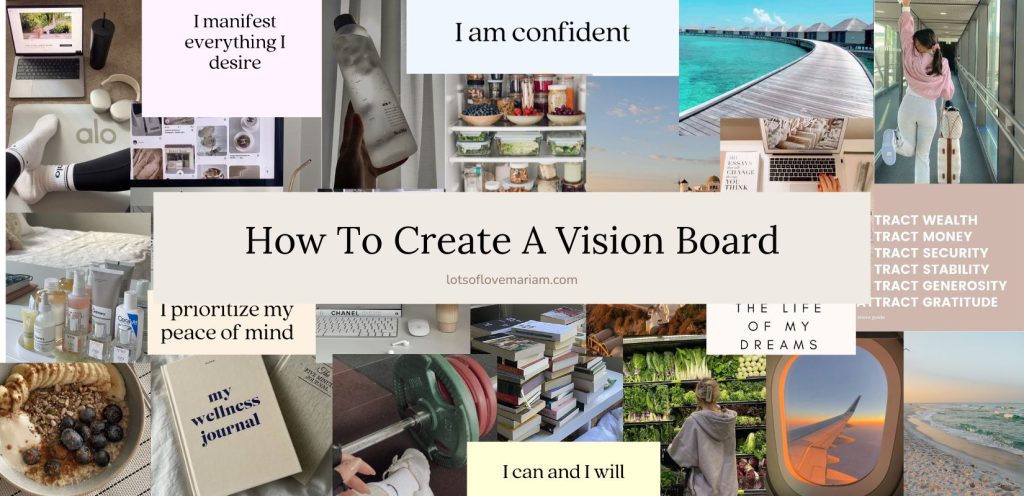
For many years, I thought setting goals and creating a vision board was a bit silly. It felt like a complete waste of time—I believed that keeping my goals and dreams in my head was enough to make them happen. I spent years working towards something without seeing results, and it left me frustrated.
Everything changed when I finally embraced goal-setting. At first, I made plenty of mistakes and discovered I had been setting goals the wrong way. But once I learned key goal-setting strategies, things started to shift. One of the most powerful steps in manifesting my goals turned out to be creating a vision board.
In this blog post, I’ll share two simple yet effective ways on how to create a vision board that can help you turn your dreams into reality.
Whether you’re setting goals for the year ahead or aiming for longer-term goals, like five-year plans, this vision board guide will walk you through the process. So, if you’ve been wondering how to make a vision board that truly works, you’re in the right place!
This post is all about how to create a vision board!
Don’t forget to save this pin on how to create a vision board on your Pinterest to come back to later!
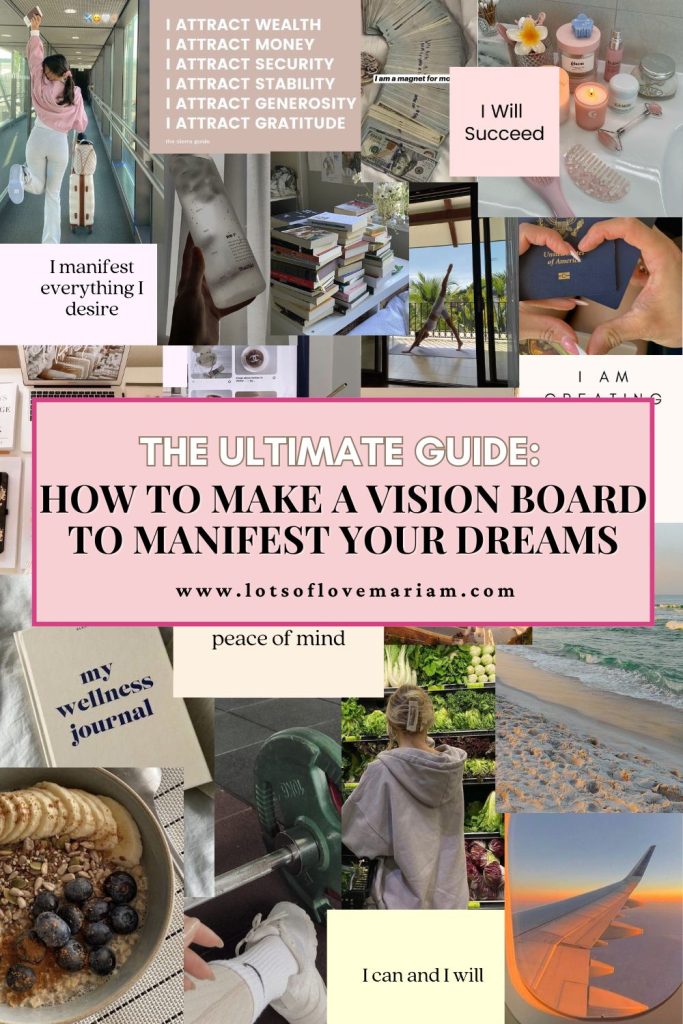
What Is A Vision Board?
A vision board is a visual tool that symbolises your goals and helps you stay focused on your goals and dreams. It’s a collection of images, words, and symbols that represent what you want to achieve in your life. By regularly looking at your vision board, you stay inspired and motivated to work towards your aspirations.
Step By Step Guide On How To Create A Vision Board
Set Your Goals
Before you start creating your vision board, it’s essential to take some time to clearly define your goals. What do you truly want to achieve in the upcoming year? Be specific—whether your focus is on career advancement, personal growth, health, or relationships. The more detailed and defined your goals are, the more powerful and effective your vision board will become.
Start by writing down exactly what you want to accomplish in each category (e.g. health, career, finance, relationship, home), whether it’s for the new year, monthly milestones, or long-term aspirations like five-year goals.
Having these clear goals in mind will help you select images, symbols, and words that truly represent each objective. That way, whenever you look at your vision board, you’ll immediately recognize what each element symbolises.
For more guidance, check out my blog post on key goal-setting strategies to help you map out your goals effectively.
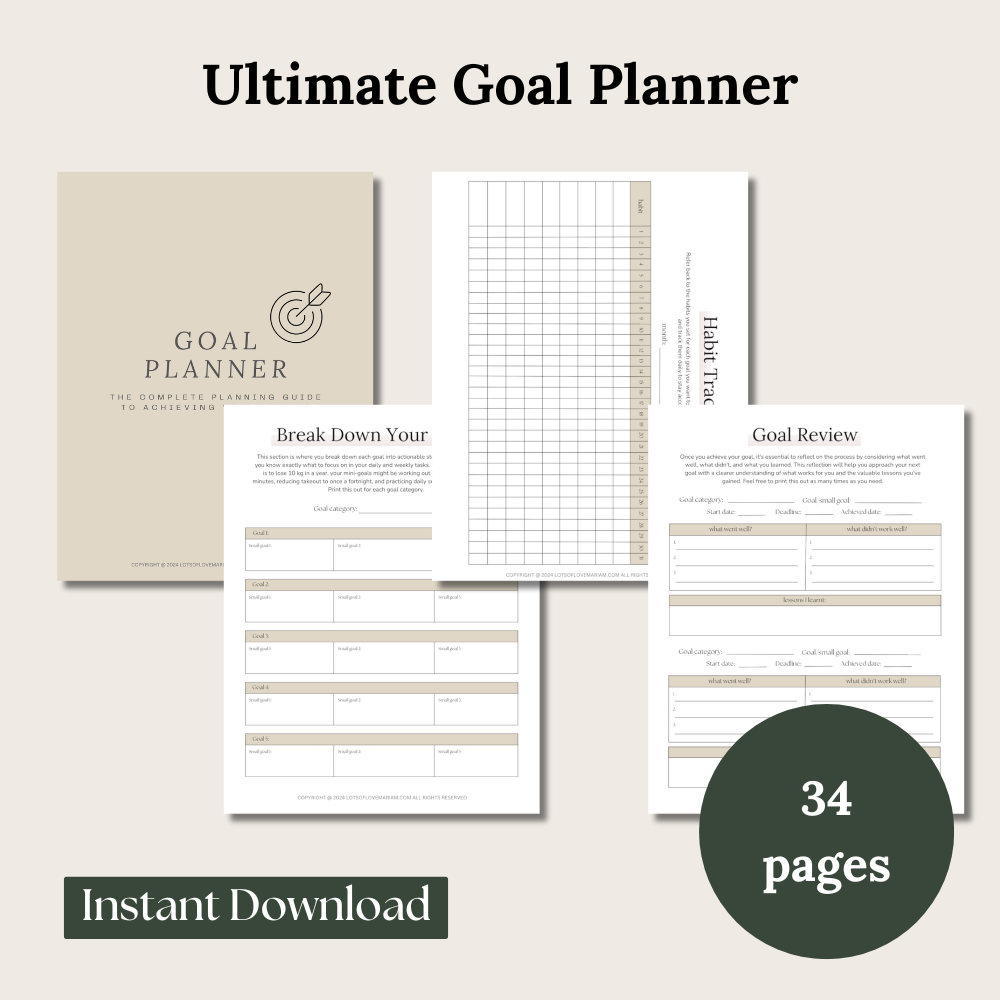
Are you ready to manifest your goals, boost your productivity, and stay organized throughout the next 12 months? Our Digital Goal Planner is the perfect tool to help you plan, track, and accomplish your personal and professional goals with ease!
Other Personal Development Posts You’ll Like:
- 7 Effective Goal Setting Strategies For Success
- 34 Wellness Goals Examples
- Monthly Reset Checklist To Boost Productivity
- Top 8 Planning Tips To Boost Productivity
- 7 Habits Of Successful People That Actually Work
Gather Your Materials
You now need to decide on what type of vision board you will be creating. Will you be creating a digital vision board or a physical copy? or both?
How To Make A Physical Vision Board
Here are examples of the types of materials you would need to to gather to create a physical vision board:
- Board or large sheet of paper: I recommend using thick card paper to prevent it from wrinkling or tearing, and it makes it easy to hang up. Alternatively, you can use a corkboard, like the one I personally own and love, which allows for easy adjustments and a sturdy display.

I personally own this corkboard with pins and use it for my long term goals!
- Magazines, printouts, or images: I highly suggest browsing Pinterest for a wealth of inspirational images. You’ll find endless options to match your vision, and you can easily print them out to use on your board.
- Scissors and glue: If you’re using a corkboard, you might prefer pins, but for even more flexibility, try using Blu Tack so you can easily rearrange as needed.
- Markers or pens: If you want to add personal touches, write affirmations, or label sections of your vision board, these will come in handy for customizing your board.
Step-by-step on how to make your physical vision board:
- Print or cut out images: Gather the images, words, or symbols that represent your goals. These can be from magazines, printouts, or downloaded from sources like Pinterest.
- Start placing the images: Begin laying out the images on your board or paper. Don’t glue them down just yet—this is just for arrangement.
- Group by category: Organize the images by category. For example, keep all career-related images together, all health-related images together, and so on.
- Create an imaginary division: Mentally divide your board or paper into sections for each category (e.g., career, health, personal growth, relationships). This will help keep your vision board structured and focused.
- Adjust the layout: Play around with the placement of your images within each category until you’re happy with how it looks.
- Finalize and secure: Once you’re satisfied with the arrangement, glue or pin the images in place, keeping each category clearly defined for a more organized and visually appealing board.
How To Create A Vision Board On Canva (a digital vision board)
Begin by exploring Pinterest for images that resonate with your goals. For instance, if your goal is to travel to Greece, find and save a picture or two that captures that dream. Also, download affirmation quotes so you can always see and read those affirmations out loud (make sure they link to your goals).
At the right-hand corner there are 3 dots when you click on the image. Click that and download the image.
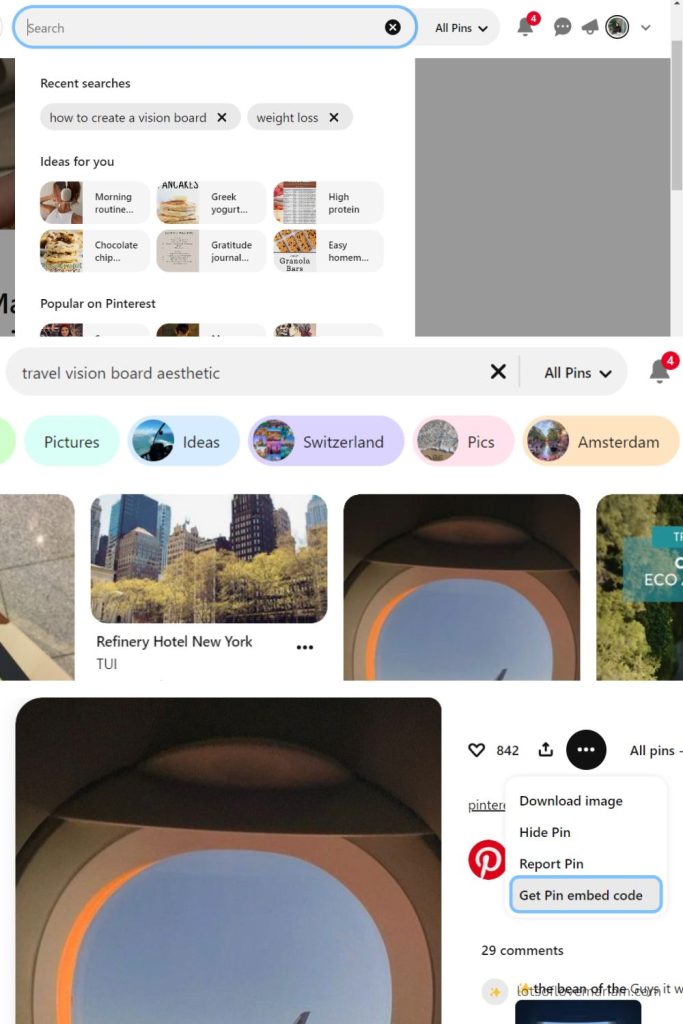
Once you have downloaded all your images, go to Canva.com and click on ‘Create a design’ in the top right-hand corner. On the search button write ‘wallpaper’ then click on desktop wallpaper. Or if you are creating as phone wallpaper, then select phone wallpaper,
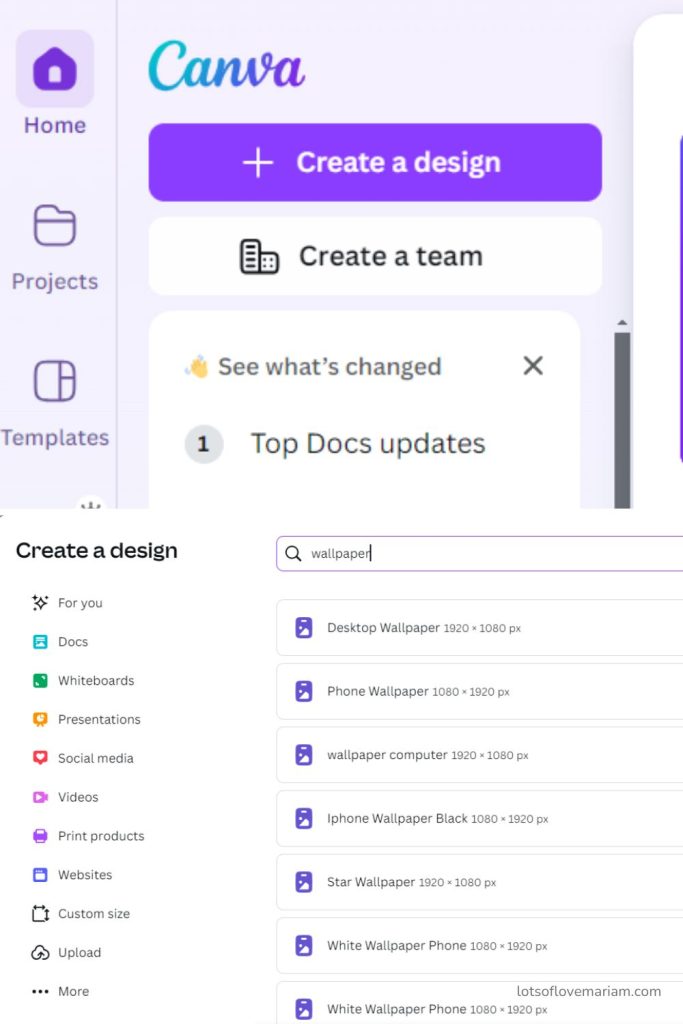
Once you are in, upload all your downloaded images. Select and place them where you want them to be – adjust the size if needed (I do some big, some small, and some I may have to crop out).
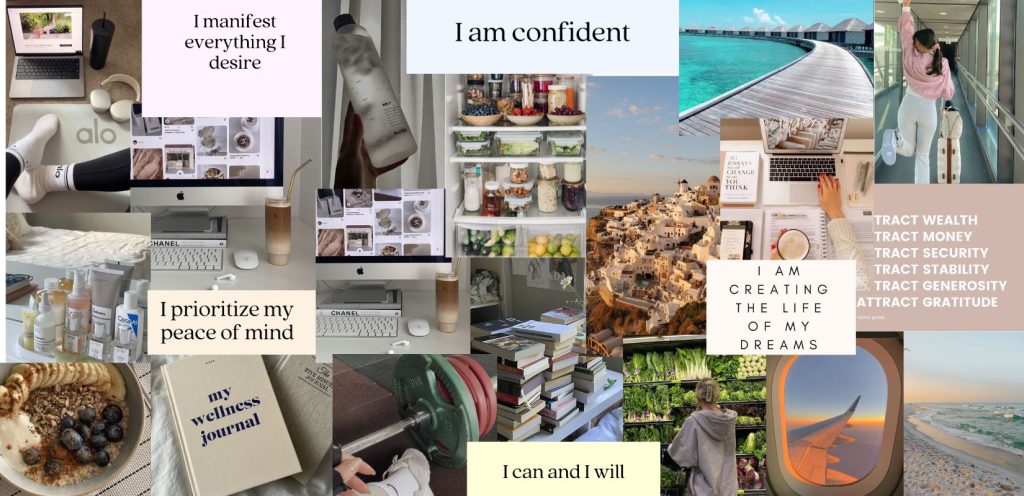
I would recommend placing them in ‘sections’ without actually creating a section. For example, one corner has all your personal goal images, the bottom corner has your health goal images, and the other two corners have your two other categories. This way your images are not all over the place.
When you complete your vision board, select text and ‘add a heading’, choose your font, and write the year that you will be working on these goals.
Add Vision Board Quotes
Just like in the digital example above, I highly recommend you add quotes to your vision board. This is because they act like mini affirmations that you can read to yourself when you look at a picture that symbolises a goal you are working towards. I know it sounds silly but this small addition is so powerful trust me!
Use Your Vision Board As a Tool

This step is crucial. There’s no point in creating a beautiful vision board only to tuck it away and never look at it. You need to place it somewhere visible—where you’ll see it every day.
Seeing it regularly will serve as a constant reminder of your goals, helping to keep you motivated and focused.
If you are using a digital vision board then I recommend setting it as a wallpaper on your desktop or phone (whichever you use the most).
Your vision board is more than just decoration; it’s a powerful tool. Make it part of your daily routine to reflect on the images and words, and visualize yourself actively working toward your goals.
Book Recommendation
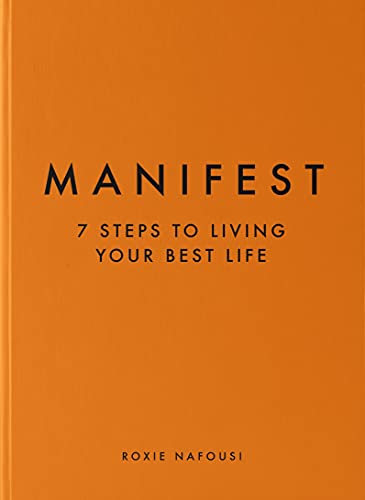
if you are serious about manifesting your goals then I cannot recommend this best selling book. This book has completely changed my life!
This post was all about how to create a vision board!
If you found this post helpful, make sure to save it on Pinterest!
This post may contain affiliate links, which means I’ll receive a commission if you purchase through my link, at no extra cost to you. Any purchases made through Affiliate links are massively appreciated as they help to support the blog and continue its production. Please read the full disclosure here.

Leave a Reply